Play. Press Stop. It’s already edited.
Highlix records your game and turns it into a full video, a highlights reel and Shorts — on your own PC, in minutes.
- Free to start
- Your videos stay on your PC
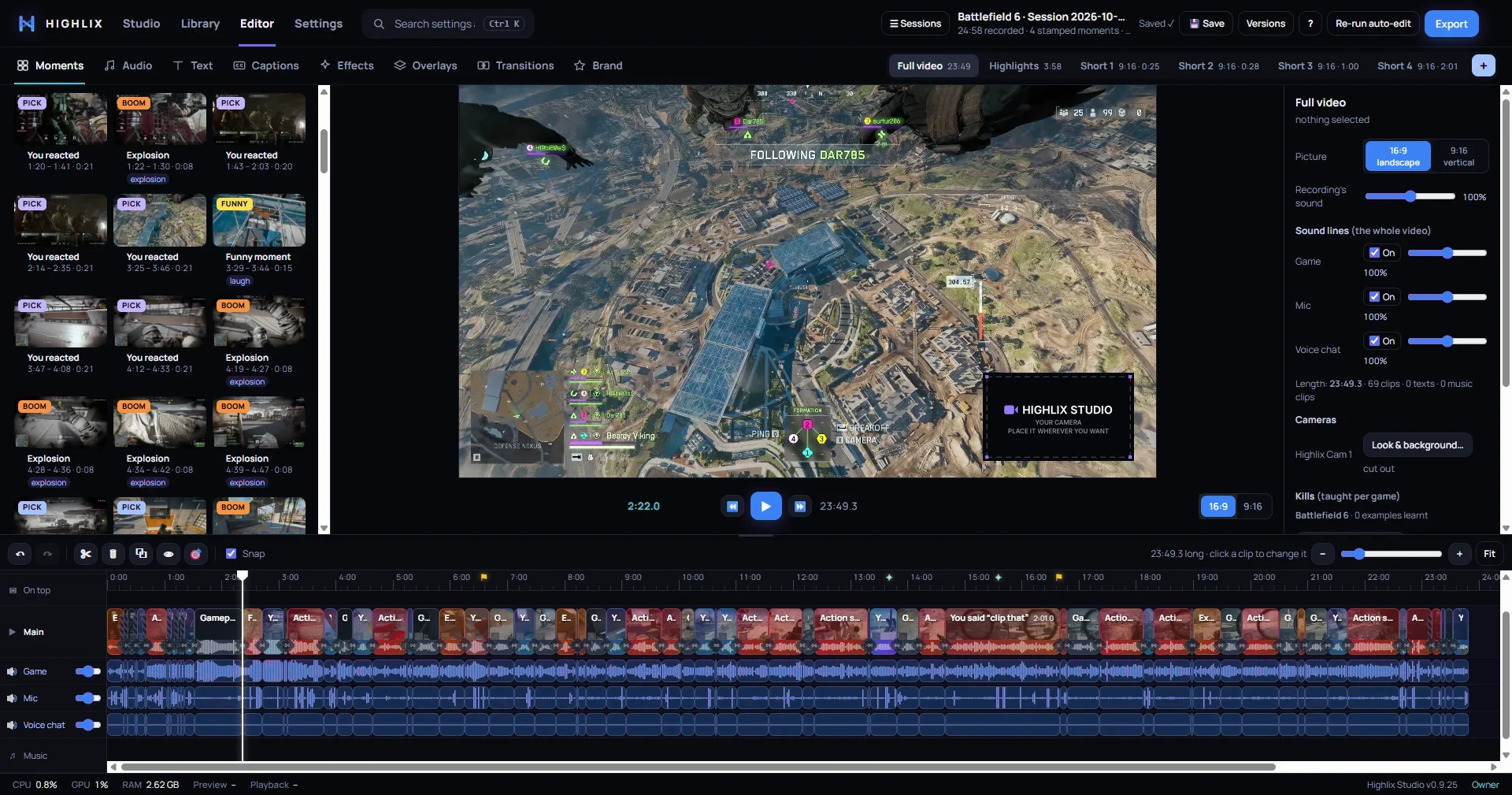
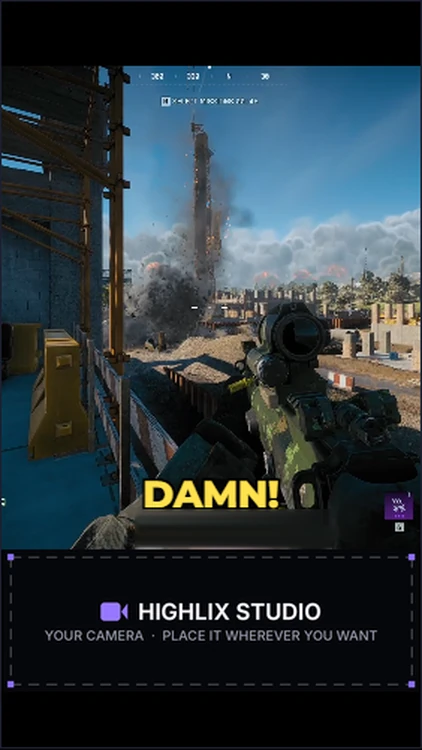
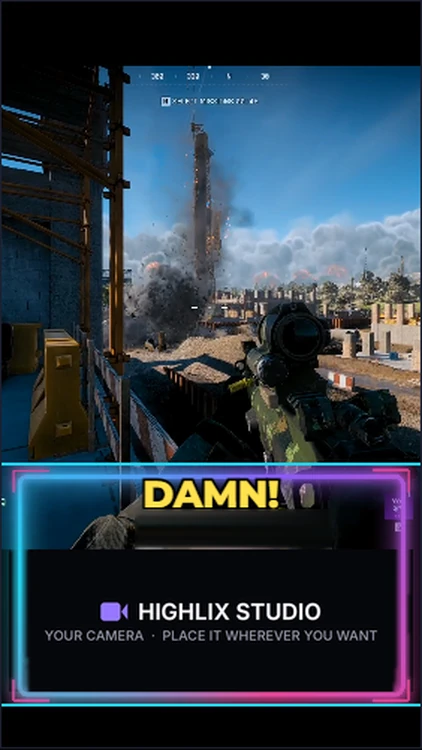
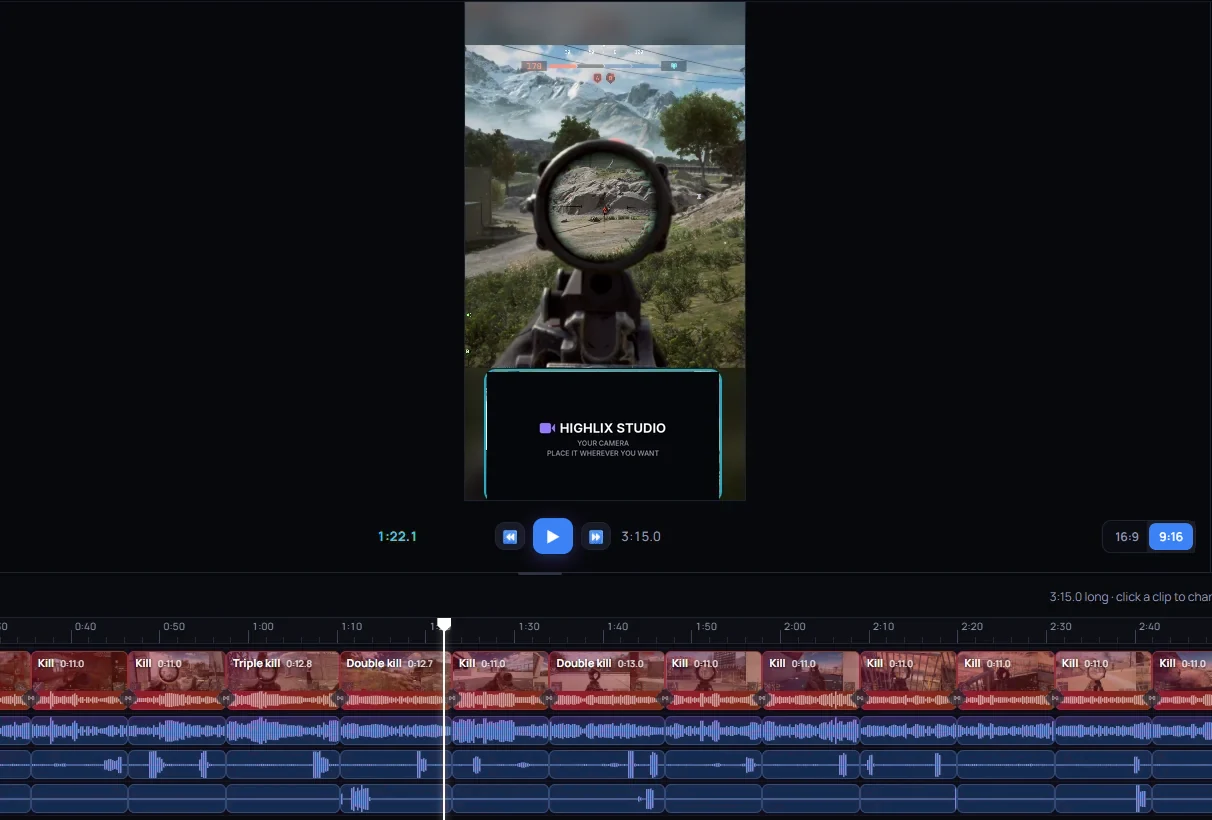
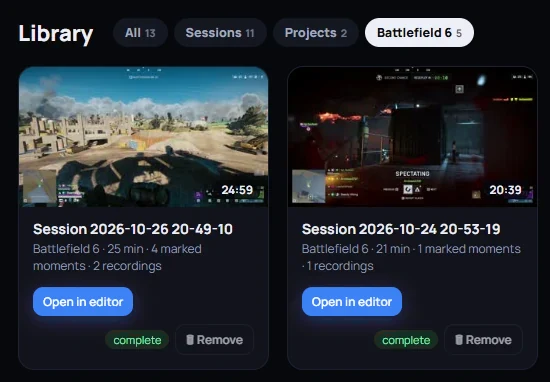
Real screenshots from a Battlefield 6 session in Highlix Studio 0.9.25. The dark box is where your camera goes — place it wherever you want.
Just three steps.
Press Start and play
Highlix follows your game, records your camera and mic on their own tracks, and saves a clip when you say “clip that”.
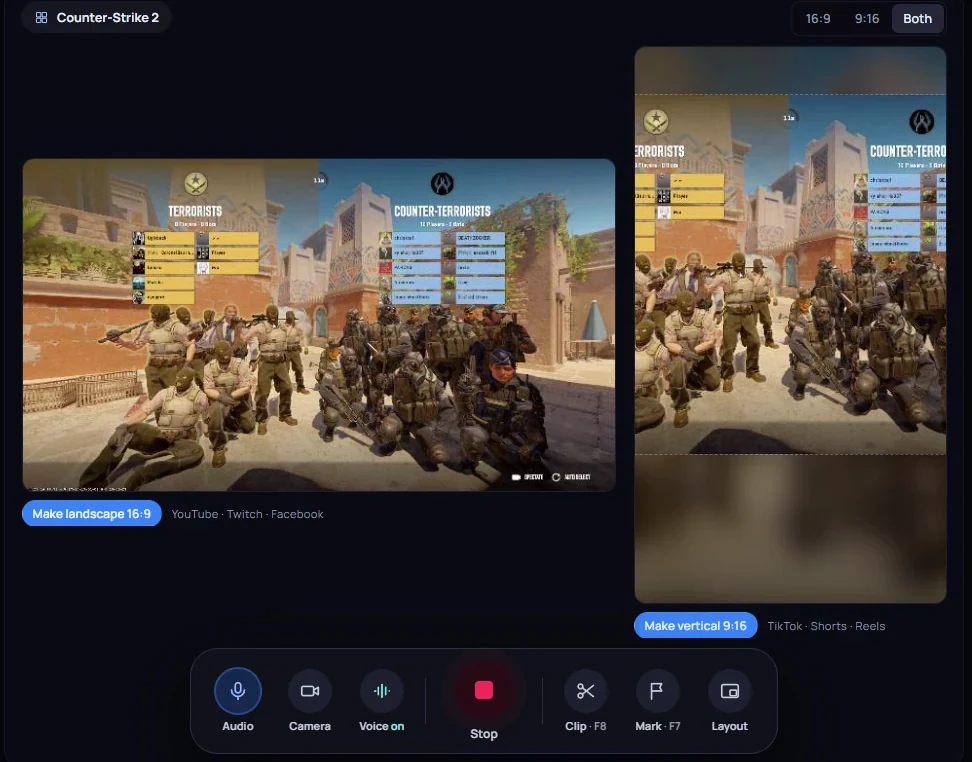
Press Stop
Highlix cuts out the menus, loading screens and AFK, and picks your best moments — your clips first.
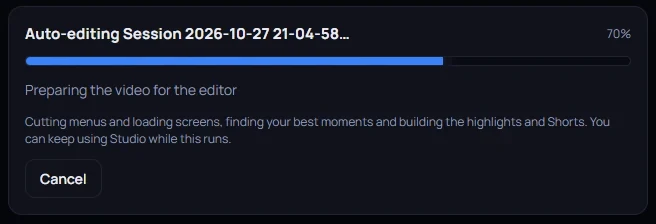
Export it
A full video, a highlights reel and Shorts open in the editor, ready to tweak — then export them all in one go, ready to post on your platforms.
Set it up once. Then just play.
Follows your game.
Start any game and Highlix captures it — game, window or screen.
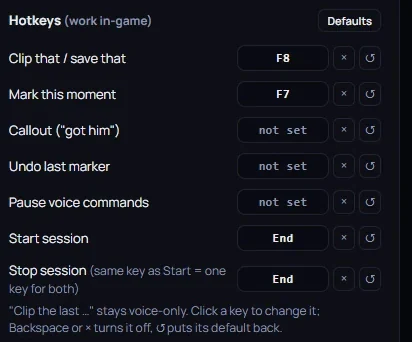
“Clip that.”
Say it, or press F8, and the last minute is saved and marked for the edit. “Flag that” and “got him” mark a moment too.
16:9 and 9:16 at once.
Place your camera for landscape and vertical separately, before you record.
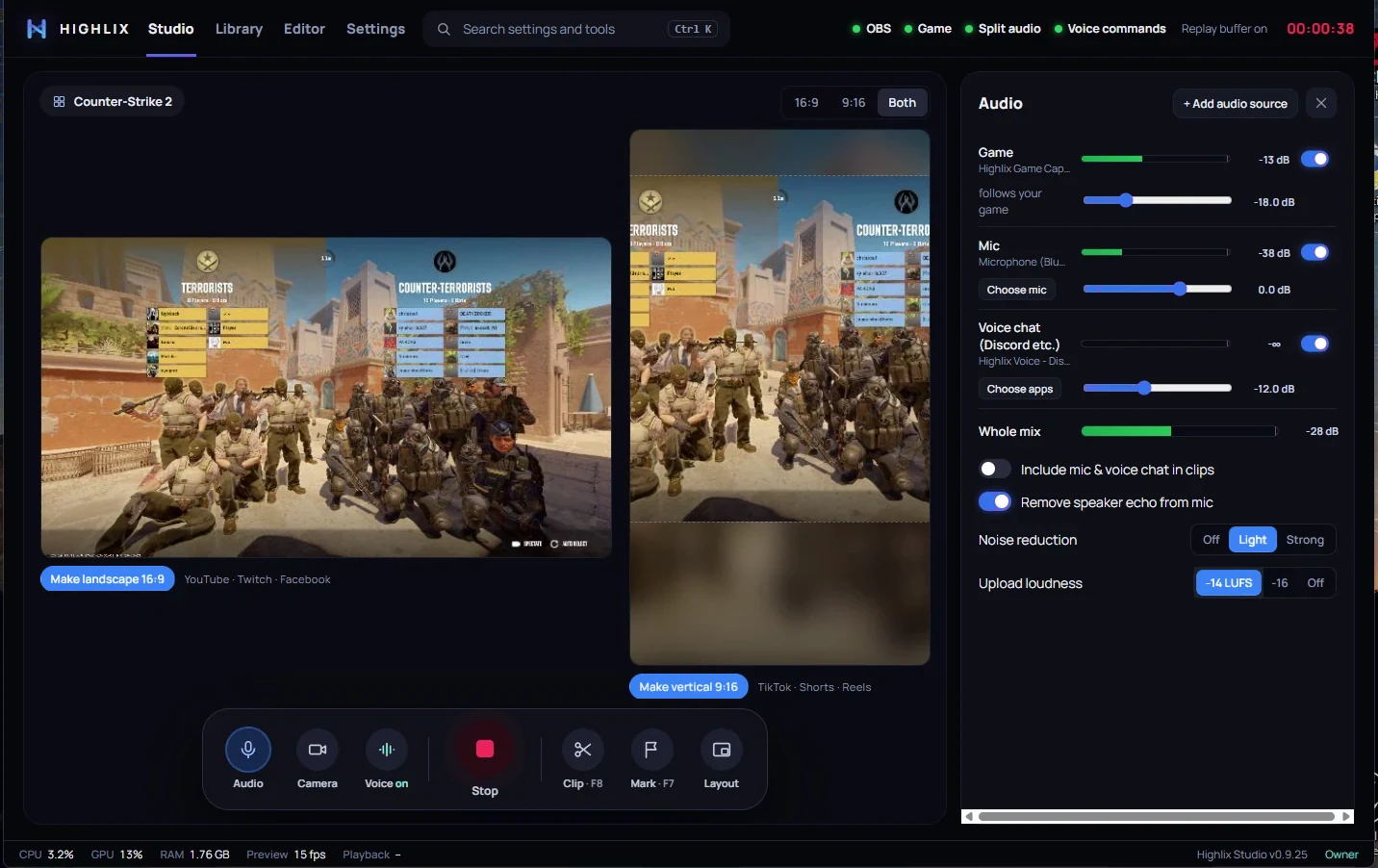
Every voice on its own track.
Game, mic and voice chat are recorded separately, so you can adjust each audio level to your perfect sound.
Highlix checks everything it needs each time it starts, and puts right anything that’s missing.
One session in. Three videos out.
In our tests on a gaming PC with an Intel Core i7-14700, an RTX 3060 Ti, 64 GB of DDR5 and a 1 TB SATA SSD, a 3½-hour session was cut and edited in 11 minutes: highlights, several Shorts and a full-session edit, ready to export and post — or to edit some more. We’re testing the next build now to bring that time down.
Full video
The whole session, with menus, loading screens and AFK cut out. Nothing is deleted — switch any part back in.

Highlights
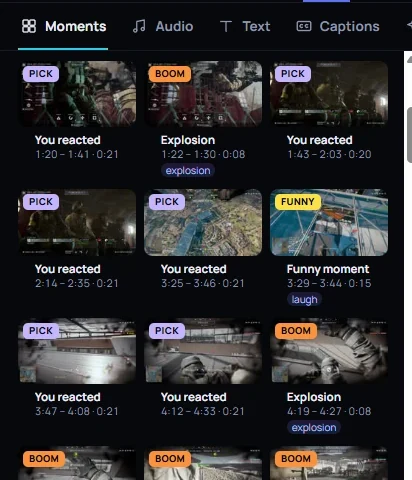
Your clips and marks, plus the fights, laughs and kills it found — usually a few minutes long.
Shorts
Your top three moments in 9:16, 15–60 seconds each — add captions in one click.
Show it two kills. It finds the rest.
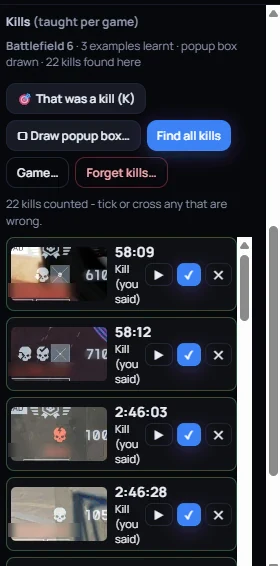
Press K on two kill pop-ups and Highlix learns your game, counts every kill and turns streaks into Double and Triple kill callouts. Tick or cross any it’s unsure of.
In the same 3½-hour test session it found 22 kills (our tester isn’t the best at BF6) — copy them all into a new video and you have a kills montage.
Make it yours in minutes.
When the auto-edit isn’t quite right, everything to finish it is in the same app — no exporting to another editor.
Captions
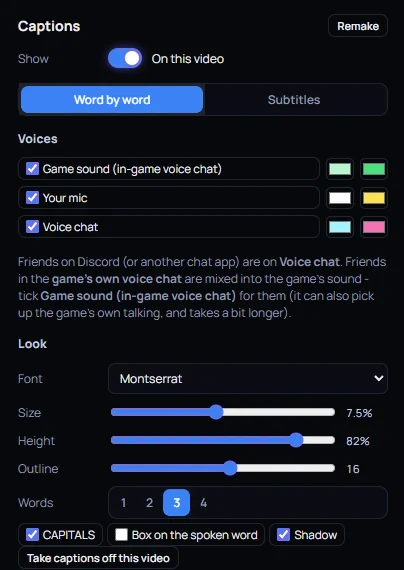
Word by word, a colour for each voice — you, your friends on Discord and people in game chat.
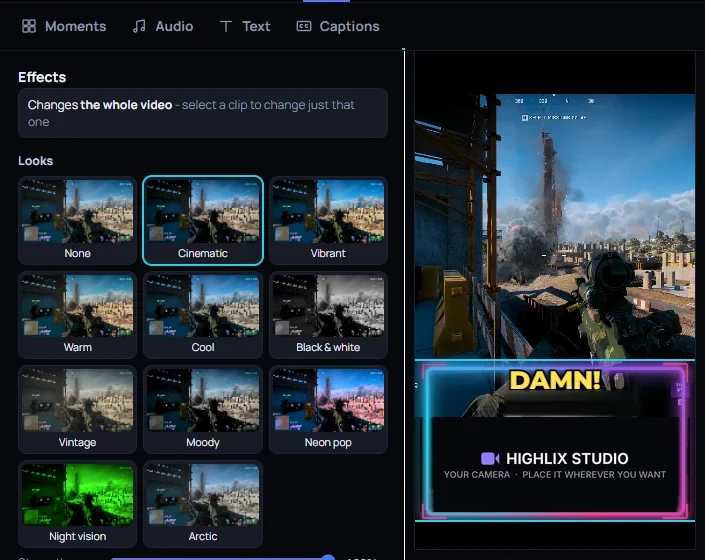
Looks and overlays
Ten colour looks, webcam frames, alerts and Starting soon / Be right back screens in four styles.
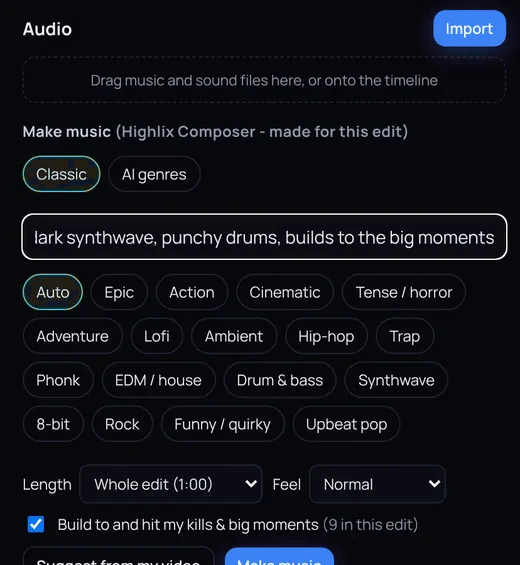
Music made for your edit
Highlix Composer writes music that builds to your kills — made for your edit, to use in your videos.
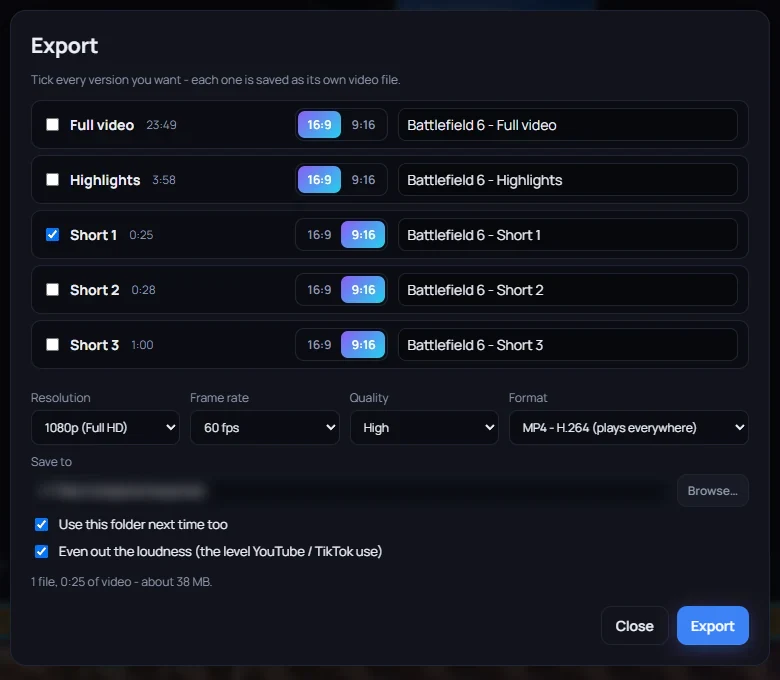
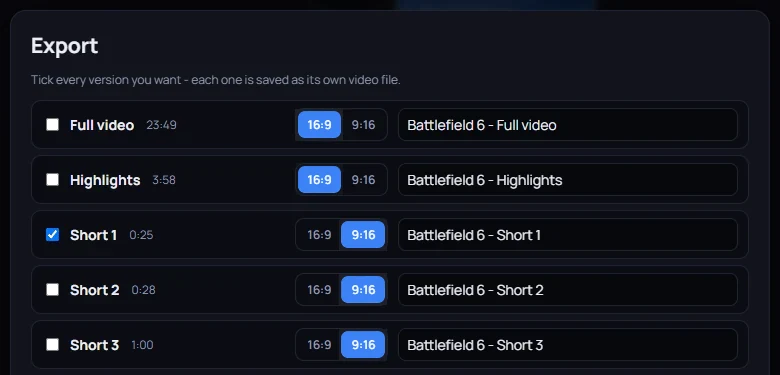
Every version at once
Export the full video, highlights and Shorts in one go, each its own file.
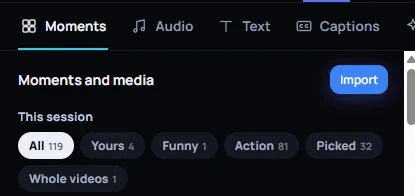
Your own videos too
Drop in videos you recorded elsewhere and auto-edit them the same way.
Your PC. Your videos. Nobody else’s.
Nothing uploaded.
Recording, editing and captions all run on your PC. No cloud and no waiting for an upload — the only thing that leaves your PC is a licence check.
Your full session, not just clips.
Most tools keep 30-second clips. Highlix keeps the whole session and edits all of it.
Works alongside OBS.
Highlix Studio records through OBS Studio — the free recorder streamers already trust — and sets it up for you. Everything after the recording is Highlix’s own.
Easy for anyone. Powerful if you want it.
You don’t need to be technical: play, press Stop and it’s edited. And if you love fine-tuning, the settings go as deep as you like.
Free to start.
Download it free. Pro is £5.99 a month or £39.99 a year — see pricing.
Apply to be a tester
We’re inviting gaming creators to use Highlix Studio before launch and tell us what to make better. Tester applications open soon.
You’ll need to be 18 or over, with a Windows 10 or 11 gaming PC.